How to Get Clickable Links in Your Discord Bio (2026 Guide)
Discord doesn't make links in your About Me clickable — they show as plain text. Here's exactly how to get a working, tappable link in your Discord bio, plus how to add your Discord server link to TikTok and Instagram bios.
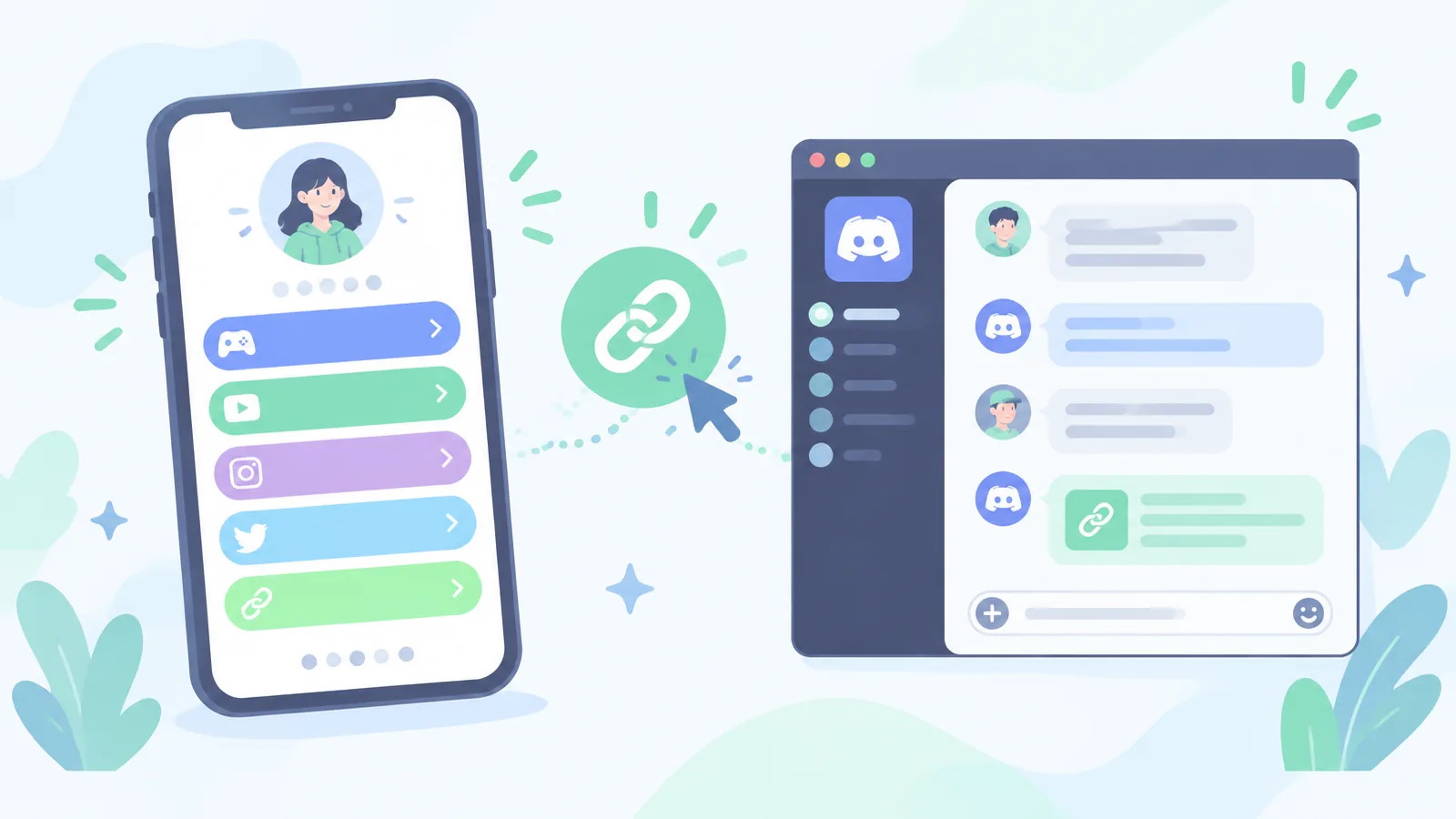
You paste a URL into your Discord About Me, save it, and… nothing. It sits there as grey, unclickable text. Friends have to highlight it, copy it, and paste it into a browser — and most of them simply won't. It's one of the most common Discord complaints, and the fix takes about two minutes once you understand what Discord is actually doing.
This guide covers how to get clickable links in your Discord bio, why Discord blocks some of them, how to work around the limits, and how to put your Discord server link into your TikTok or Instagram bio so people can actually join.
Discord only auto-links full URLs that start with https:// — and even then, links in profile bios are often shown as plain text on desktop. The reliable fix is to put one short, memorable link in bio URL in your About Me that opens a page holding all your real links.
Why aren't links clickable in Discord bios?
Discord treats the About Me field differently from a chat message. In chat, Discord auto-detects URLs and turns them into links with a preview. In a profile bio, Discord deliberately limits that behaviour to cut down on scams, phishing, and spam accounts farming clicks from strangers. Depending on your platform and app version, you'll see one of three things:
- A fully clickable link (most common on mobile, when the URL starts with https://)
- Blue-ish text that only becomes clickable after you tap the profile open in full
- Plain grey text that does nothing at all — usually because the URL is missing https:// or the account is new or unverified
So the problem usually isn't you. It's that Discord bios were never designed as a link hub — which is exactly why creators and server owners use one bio link instead.
How to add a link to your Discord bio (step by step)
- 1Open Discord and click the gear icon next to your name to open User Settings.
- 2Go to Profiles (or Profile on mobile) and find the About Me box.
- 3Paste your link with the full prefix — https://minimyway.com/yourname — not just minimyway.com/yourname. Discord only auto-links complete URLs.
- 4Add a short line of context above it, like 'All my links and my server invite:'.
- 5Hit Save Changes, then open your own profile from another device to confirm the link is tappable.
You don't need Discord Nitro to add a link to your About Me. Nitro adds profile themes, banners, and a longer bio — but a plain free account can still hold a working link.
How to make one link hold everything
Discord gives you one small text box. If you're a streamer, artist, server owner, or seller, you probably need to share five or six things: your server invite, your YouTube or Twitch, your commissions or shop, your donation or tip link, and your other socials. Cramming those into About Me looks messy and most of them won't be clickable anyway.
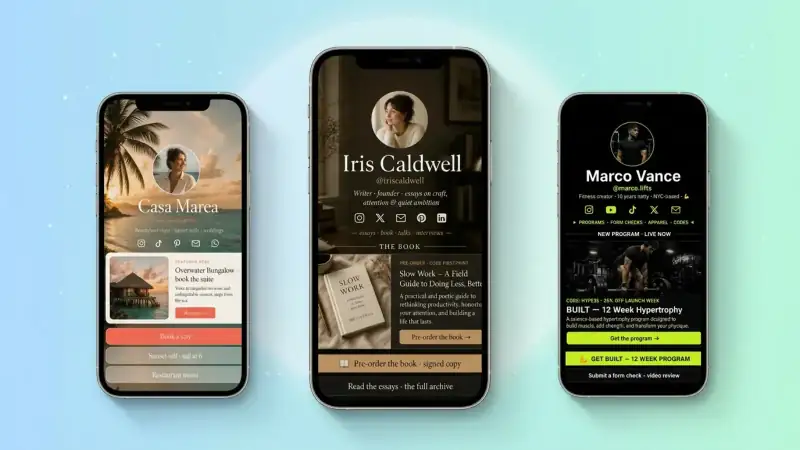
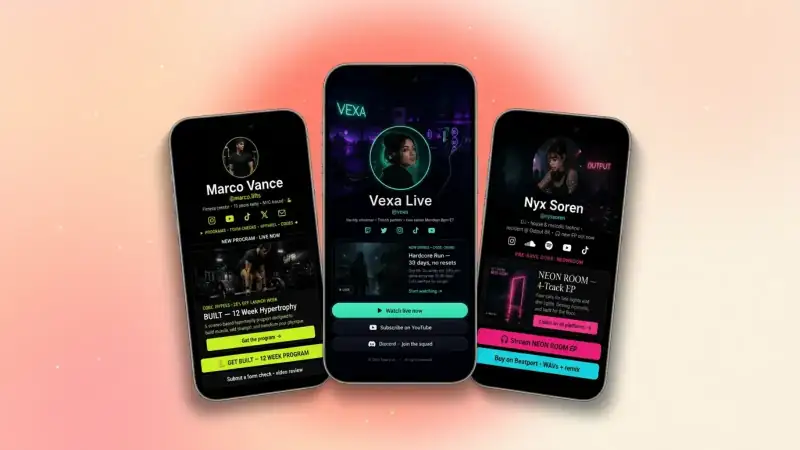
The fix is a single link in bio page — one short URL that opens a clean page with every link as a big tappable button. You paste that one URL into Discord, and update the page whenever your links change without ever touching your profile again.
- 1Claim your free page at MiniMyWay.com — pick a handle that matches your Discord name so people recognise it.
- 2Add a button for your Discord server invite, then buttons for your other platforms.
- 3Add your avatar and a one-line bio so the page looks like you, not a spam link.
- 4Copy your page URL and paste it into your Discord About Me with https:// at the front.
Can you put a Discord link in your TikTok bio?
Yes — but with a catch. TikTok only gives accounts a clickable website field once you qualify (historically a business account or 1,000+ followers), and raw discord.gg invite links are sometimes flagged or stripped because they're heavily used by spam accounts. Dropping the invite straight into your bio text also leaves it unclickable.
The workaround creators use: put your link in bio page in the TikTok website field, and make your Discord invite the first button on that page. TikTok sees one clean, stable domain instead of a raw invite, and you can swap the invite link any time your server regenerates it without editing TikTok at all.
How to put a Discord link in your Instagram bio
Instagram is friendlier — it allows multiple links in the link section — but it's still the same trade-off: your followers see a bare URL with no context, and changing an expired invite means editing your profile. Point your Instagram bio at one page instead, and label the Discord button something inviting like 'Join the server (free)'.
Tips that actually get people to click
- Set your server invite to never expire, or use a vanity invite, so your link doesn't die mid-week
- Label buttons with a benefit, not a platform — 'Join 4,200 members' beats 'Discord'
- Put the invite first; people rarely scroll past three buttons
- Use the same handle everywhere so your link looks trustworthy rather than sketchy
- Check your click stats so you know which platform is actually sending members
One short link you control beats five links a platform can break.
Frequently asked questions
Why can't I click links in Discord bios?
Because Discord renders About Me links as plain text in many views to reduce scam clicks. Including the full https:// prefix gives you the best chance of a tappable link, especially on mobile.
Can you make embedded or hyperlinked text in a Discord bio?
No. Markdown-style hyperlinks work in messages and embeds sent by bots, but Discord does not render them in user profile bios. You can only paste the raw URL.
How do I change the link colour in my Discord bio?
You can't. Link styling follows Discord's theme. Nitro profile colours change your card background, not the link text.
Is a link in bio page free?
Yes — MiniMyWay is free to create, gives you a clean minimyway.com/yourname URL, unlimited links, a QR code, and click stats.
Get your clickable Discord link in two minutes
Claim your handle, add your server invite and socials as buttons, then paste that one URL into your Discord About Me. Every place you hang out — Discord, TikTok, Instagram, Twitch — points to the same page, and you only ever update it in one spot. Start free here.
Build a bio link page that converts
Free, beautiful, fast. Drag, drop, share — your audience does the rest.
Create your MiniMyWay